You just need a FREE Google account, which you can sign up for at google.com
The following text has been taken from Google:
What You Get for Free
Gmail Address: You can create a new @gmail.com address at no cost.
Use Existing Email: You do not have to make a Gmail address; you can link an existing non-Gmail email (such as Outlook, Yahoo, or a custom domain) to a free Google Account.
Free Storage: You get 15 GB of free cloud storage shared across Gmail, Google Drive, and Google Photos.
Google Apps: Free access to web tools including Google Docs, Sheets, Slides, Calendar, YouTube, and Google Play.
How to Sign Up
Go to the Google Account Sign-Up Page.
Click Create account and choose ‘for my personal use’ (or for a child/business).
Enter your name, date of birth, and preferred username or current email address.
Follow the remaining prompts to create a password and verify your email.
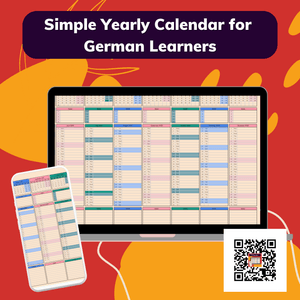
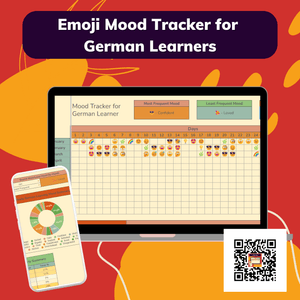
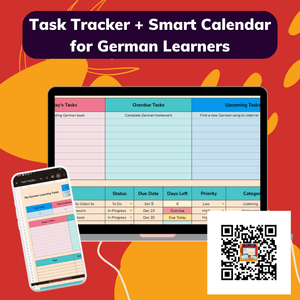
You can use these Google Sheets planners on any device: computers, tablets, and smartphones.
You’ll need to download the Google Sheets app for tablets or smartphones. For computers, sign into your Google Sheets account using a web browser.
Your Google Sheets planner will sync across all your devices.